Node Menu and Submenu in OrgChart JS





Node Menu and Submenu in OrgChart JS
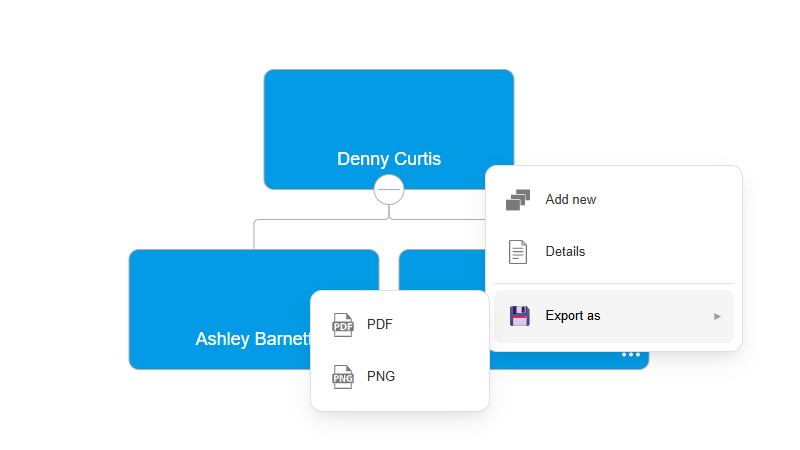
The subMenu option in OrgChart JS Menus Documentation lets you create multi-level nested menus inside a node menu item. This is useful when you want to organize many actions without overcrowding the main node menu.
For example, you can group export actions under a single “Save as” menu:
nodeMenu: {
    exports: {
        text: "Save as",
        subMenu: {
            pdf: { text: "PDF" },
            png: { text: "PNG" }
        }
    }
}
You can even create deeper nesting levels for advanced workflows and custom actions.
Submenus work with predefined menu actions like add, edit, remove, and export options, as well as fully custom handlers using onClick. This makes it easy to build clean and scalable user interfaces for complex org chart applications.
 Author: plamen peshev

Cleaner Way to Display Employee Information
Highlight Nodes on Hover in OrgChart JS
Improved Slink Positioning in OrgChart JS
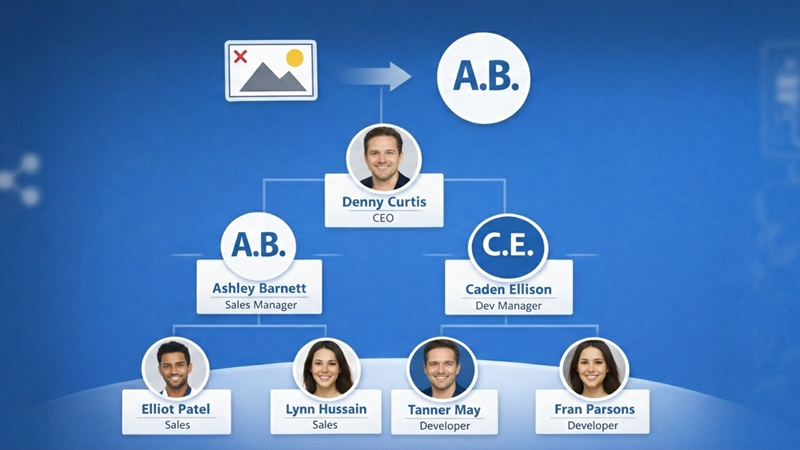
Show initials in OrgChart JS

Implementing Custom Auth for Server JS
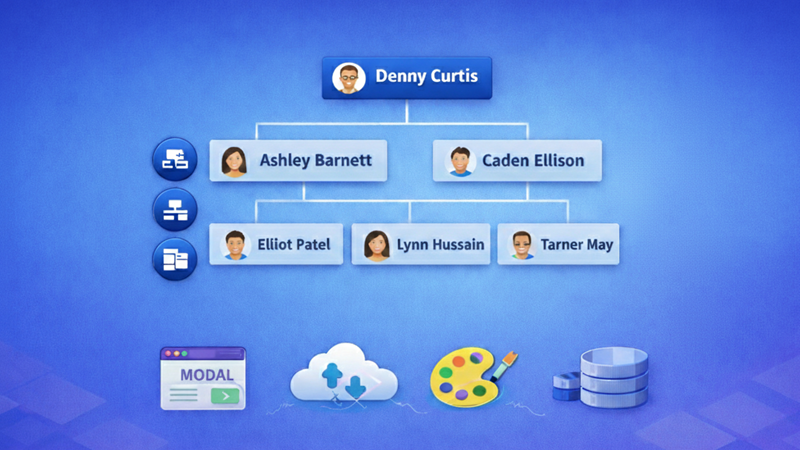
OrgChart JS Controls

File-Like Structure with OrgChart JS
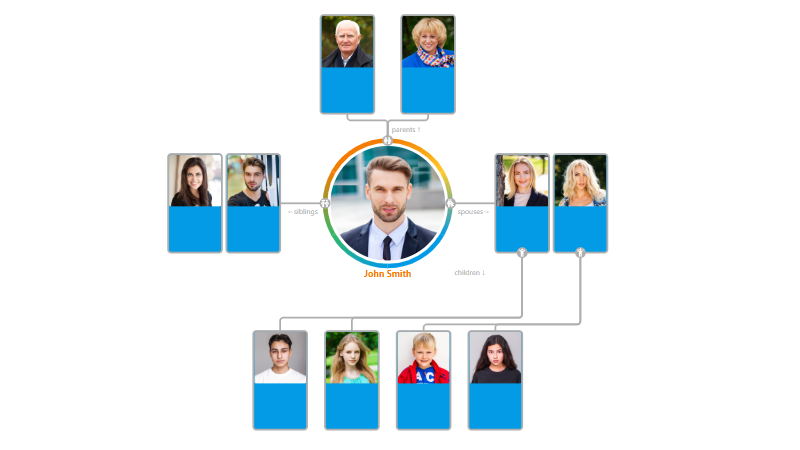
Update Alert: New twix template and cleaner connections

OrgChart JS Mobile Support Is Live
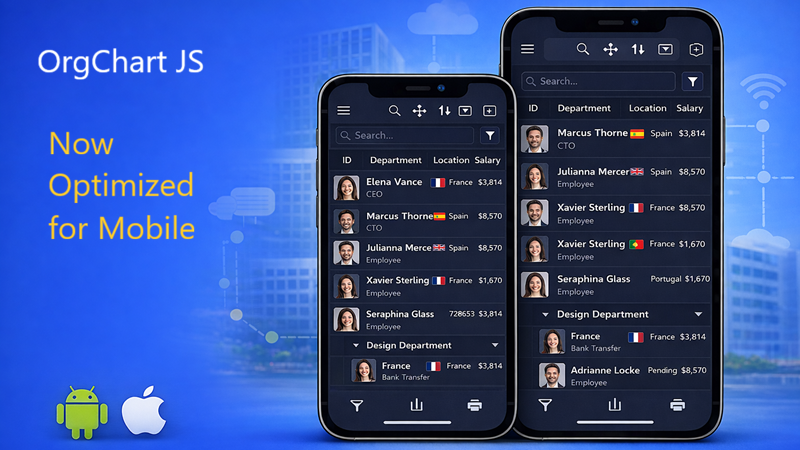
OrgChart JS Mobile View

OrgChart JS: Always First, Always Innovating

Introducing Tree List: A New Way to Visualize Hierarchies in 2026
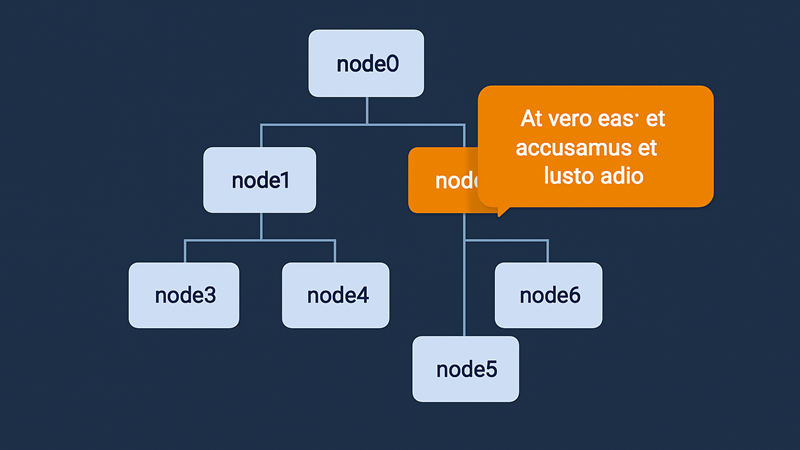
How to Create a Custom CSS Tooltip on Node Hover in OrgChart JS

Build and Share Org Charts Easily — Meet the Free OrgChart App by BALKAN App
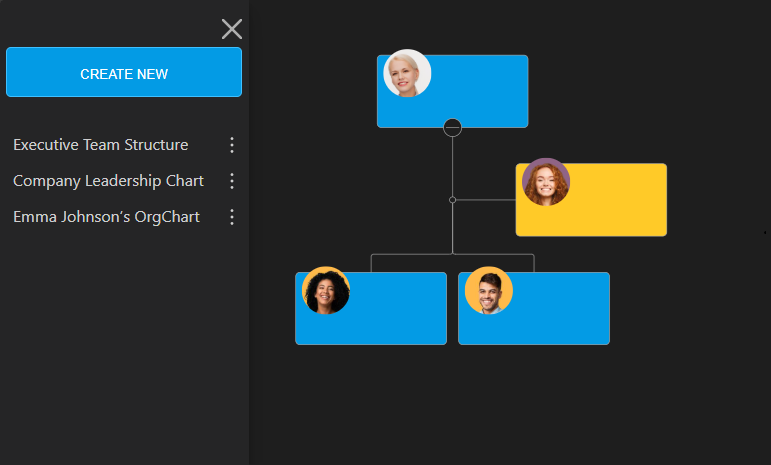
Meet OrgChart App - Your New Way to Build and Share Org Charts

OrgChart PDF Cover Page

Minimize and Maximize nodes in OrgChart JS

Copy an OrgChart to Clipboard

Copy OrgChart Data to Clipboard

Pan on Node Is Now the Default in OrgChart JS

Export 2 Charts in a Single PDF

Introducing Liquid Glass Buttons in OrgChart JS

OrgScribe: The Markdown-Style Way to Build Org Charts

Achieve Any OrgChart Design

Why Not Load on Demand in OrgChart JS
JSON Export Slinks with Nodes in OrgChart JS

OrgChart JS Privacy

GEDCOM in Family Tree JS 2

Update a JSON File with Family Tree Members

Hide Nodes in an OrgChart with CSS

Pin (set as root) a node in an OrgChart

WordPress OrgChart Plugin

Family Tree in WordPress

Organizational Charts with Multiple Parents

Introducing new PDF and PNG Previews in OrgChart JS

Building an Org Chart MVP

Introducing PowerPoint Preview in OrgChart JS
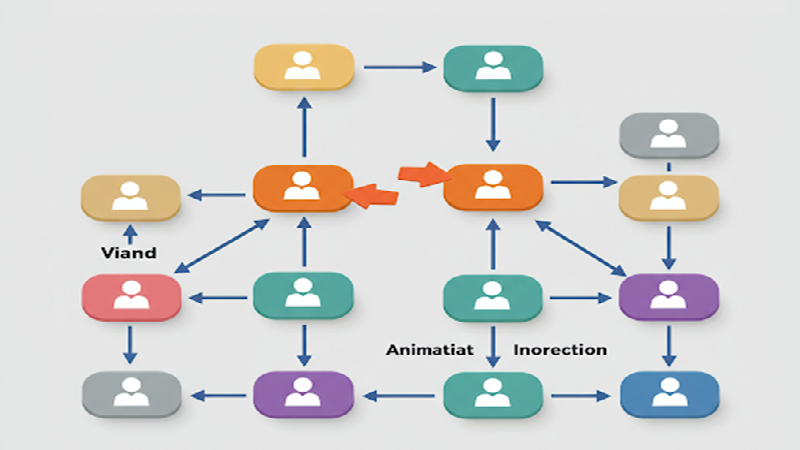
Change The Order in the OrgChart by Drag and Drop (Simple Example)

Highlight to the root on search in OrgChart JS

OrgChart JS Now Supports Export to PowerPoint
OrgChart JS Now Supports Export to PowerPoint

Dynamically changing an orgchart field

Project Timeline Chart

OrgChart Conditional Node Size

Add CSS on Export in OrgChart JS

OrgChart JS Angular Templates

Org Chart Web App with Node.js and Express

Loading on Demand with Family Tree JS 2

Dynamic Colors Organizational Chart

Charlie Chaplin Family Tree

Introducing Family Tree JS 2: The Next Generation is Here!

React OrgChart
Create and run an OrgChart Single Page Application with Node.js – beginner's guide.

Export and Import Org Chart to Excel

Adding Custom HTML Elements into OrgChart JS container

Еasily Create a Template in an OrgChart
Node Swapping in an Organizational Chart

Vladimir Putin Family Tree

Add Field Data in Expand button with OrgChart JS

Bill Gates Family Tree

Create a Tooltip for a ForeignObject Element Hover in OrgChart JS

Custom Aligning Nodes in a JavaScript Organizational Chart

Center and Zoom on Search Click in OrgChart JS

Create Multiline Group Titles in OrgChart JS

Adding Arrows in OrgChart JS Links

Show a Custom Edit Form for a node in OrgChart JS

Jeff Bezos Family Tree

How to Add Material Icons in OrgChart JS

Leonardo DiCaprio Family Tree
Visualizing Dual Reporting Structures with OrgChart JS
Exporting OrgChart JS to A4 PDF: A Step-by-Step Guide

Genghis Khan Family Tree: The Lineage of the Great Khan

OrgChart JS now support Export to Visio

New Export Option: childLevels in OrgChart JS
Elon Musk Family Tree

AI for OrgChart JS: Revolutionizing Organization Charts

Family Tree JS 2 (Preview)

d3 org chart

Our Family Tree App is Now on Android!

Why BALKAN OrgChart JS is the Best Organizational Chart Library

How to Create a JavaScript Flow Chart

How to Add an Organizational Chart to a Mobile Application

How to Create a JavaScript Organizational Chart

OrgChart JS Now Supports PDF Export Per Team

Introducing Family Tree App

Donald Trump Family Tree

Discover Your Roots: Build Your Family Tree with BALKAN App

JavaScript Organization Chart

Instantly create interactive, intuitive flowcharts in seconds
JavaScript Hierarchy Chart

Mermaid js alternative

Create Flowcharts in Seconds with Flow Chart JS: Your New Favorite JavaScript Library

Customizing Filter UI - Code of The Week

Zoom Slider - Code of The Week

Bookmarks - Code of The Week

Customizing Search Results - Code of The Week

Introducing Undo Redo - Code Of The Week

Price adjustment announcement

The price will increase for new customers

Buttons for adding family members to a family tree - Code of The Week

Levels - Code of The Week

Change node color from a button in the Edit Form - Code of The Week

Filter and Highlight Nodes - Code of The Week

Up Expanding - Code Of The Week

Programmatically move the chart - Code of The Week

Siblings in Family Tree JS - Code of The Week

Purple template - Code of The Week

Assistant With Children - Code of The Week

Conditional Layout - Code of The Week
Conditional Color - Code of the Week

Sriniz Family Tree Template - Code of The Week

Color Picker - Code of The Week

Add company logo as watermark in exported PDF documents - Code of The Week

Mind map - Code of The Week

Create relationship with circle menu - Code of The Week

Animated Photos - Code of the Week

Grouped Dotted Lines - Code Of The Week

Dotted Lines - Code Of The Week

Department Dynamic Title - Code Of The Week

Add expand button for partners - Code of the Week

Change the sub levels with Drag and Drop - Code of The Week

Custom Edit From using Popover - Code of the Week

Sub levels tag option - Code of the Week

Highlights search results directly on Org Chart nodes - Code of the Week

Code of the Week/Relationship maps and Business process diagrams

Search using field name abbreviations - Code of the Week

Dynamic Template - Code of the Week

Read and Write local CSV file using File API and Org Chart JS - Code of The Week

Organizational Chart Path Highlighting and Selection

Modern Template - Org Chart JS

Performance - Org Chart JS
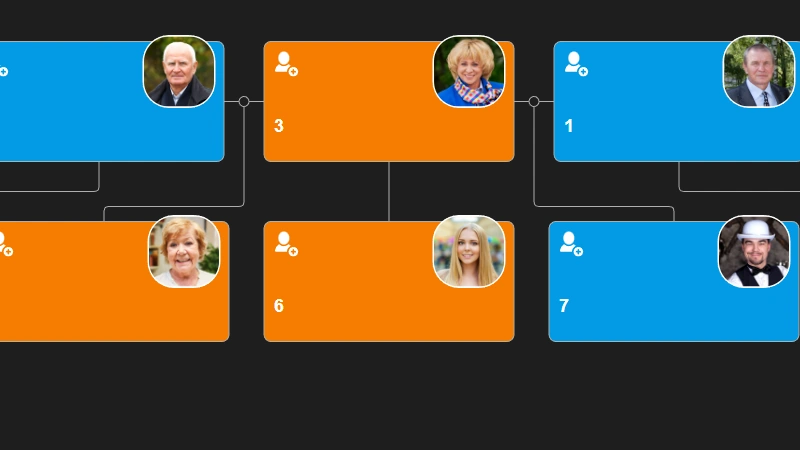
Single parent is supported in Family Tree JS
How To Develop a Flowchart Maker with Org Chart JS

How to upload a photo to Family Tree JS in .NET core
How to change the color of selected node - Family Tree JS